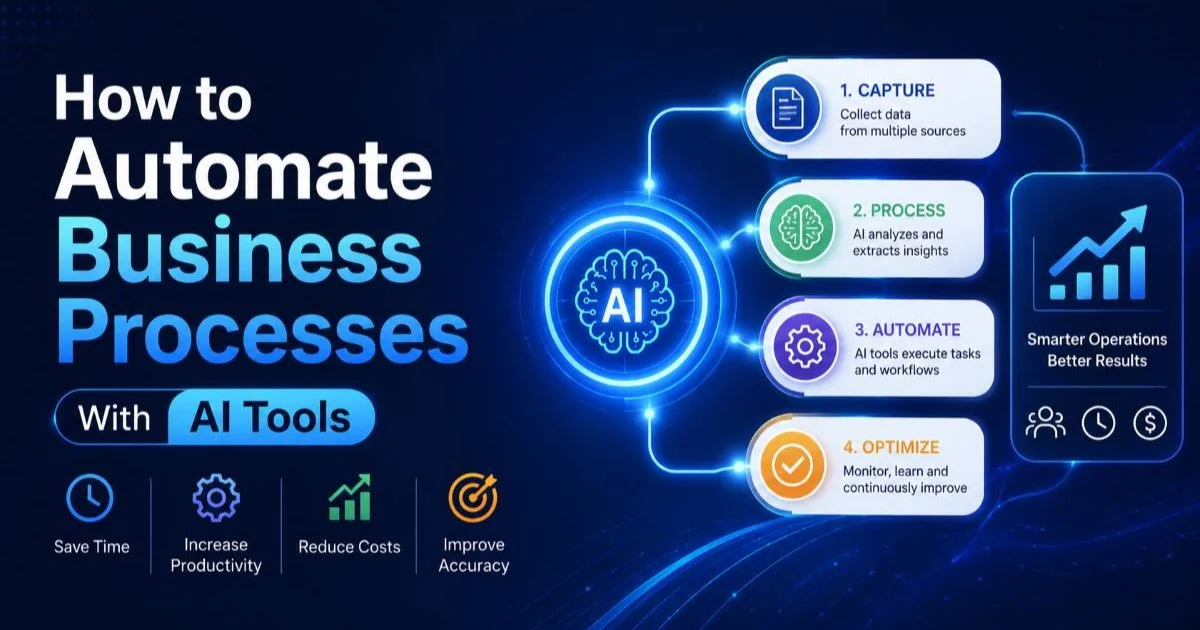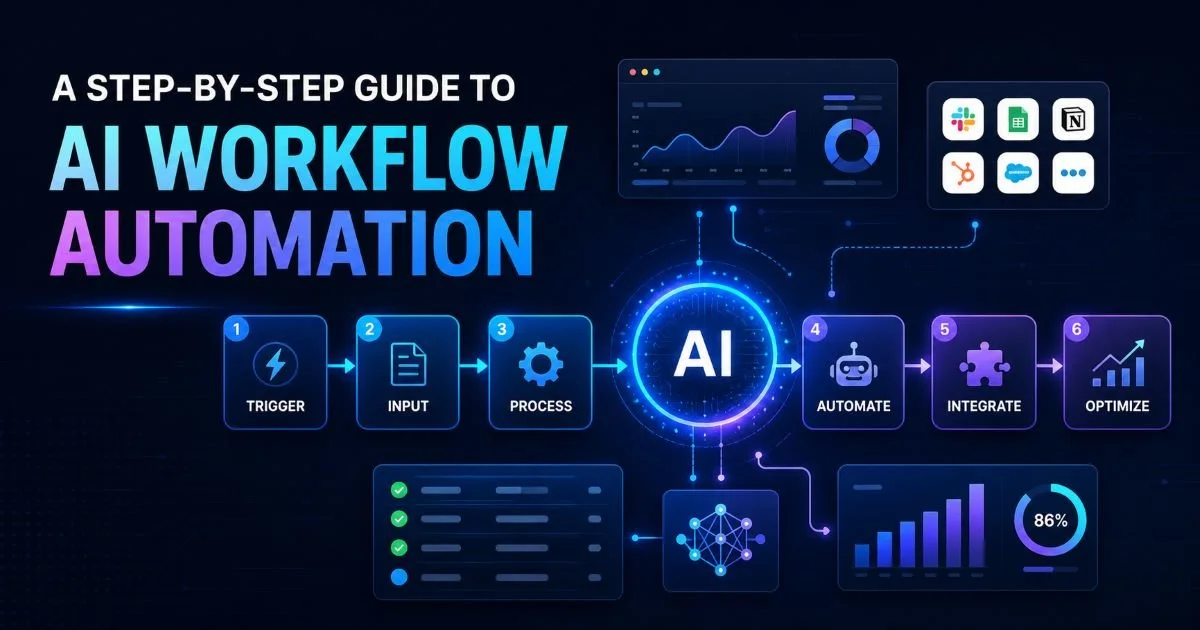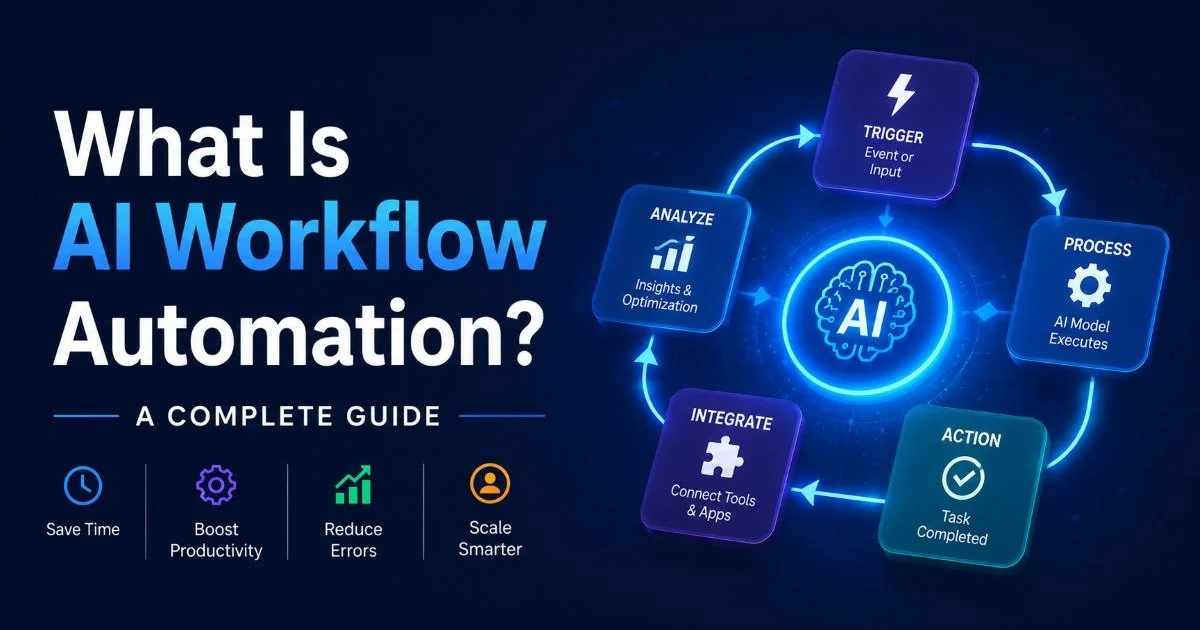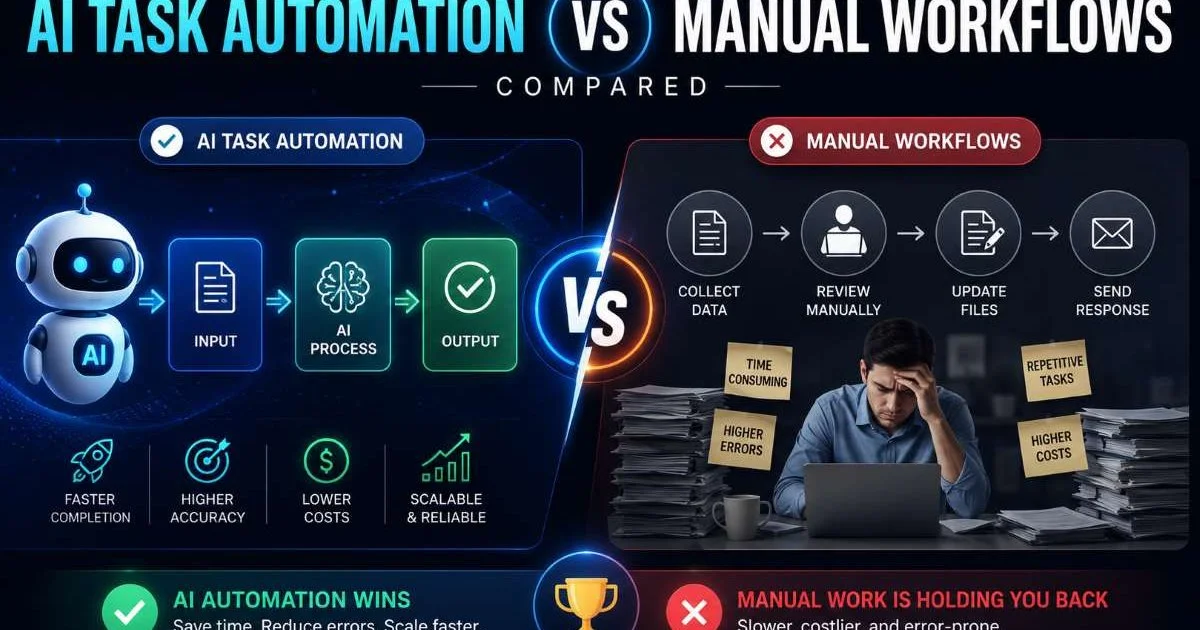
Manual workflows still power a surprising number of business operations in 2026, even as automation tools grow more sophisticated by the month. For operations professionals, the question isn't always about choosing one approach over the other.
It's about understanding where each method delivers real value and where it falls short. Some processes genuinely benefit from human judgment at every step, while others drain hours of productive time through repetitive clicking, copying, and filing.
The stakes are high: companies that get this balance wrong either over-automate and lose flexibility or under-automate and lose competitive ground. This comparison breaks down the real differences across cost, scalability, accuracy, and adaptability so you can make informed decisions for your team. If you're new to the broader concept, our guide on AI workflow automation provides the foundational context you need before diving into this comparison.
Key Takeaways
- Manual workflows work best for low-volume, judgment-heavy tasks requiring human nuance.
- Workflow automation reduces error rates by up to 90% in repetitive data processing tasks.
- Hybrid approaches outperform pure manual or pure automated setups in most organizations.
- Automation ROI typically materializes within three to six months for mid-sized teams.
- Choosing the right approach depends on task complexity, volume, and change frequency.
Cost and Resource Efficiency
Hidden Costs of Manual Workflows
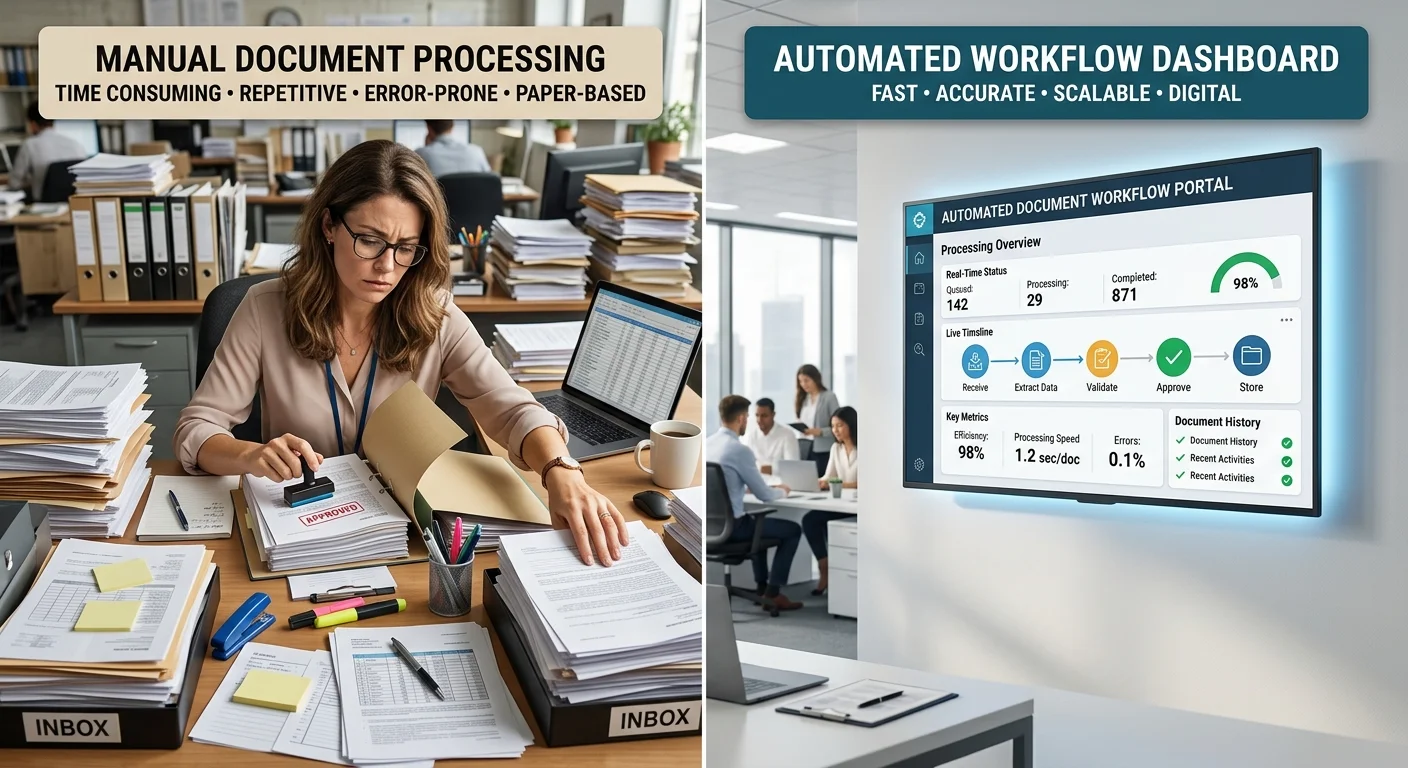
The most deceptive thing about manual workflows is that they appear inexpensive on the surface. There's no software to purchase, no integration to configure, and no training period for new tools. But the real costs hide in labor hours, opportunity costs, and the compounding inefficiency that grows as your team scales. A single employee spending two hours daily on manual data entry costs roughly $15,000 annually in salary alone, not counting the work they could have done instead.
Manual process management also carries indirect costs that rarely appear on spreadsheets. When employees context-switch between repetitive tasks and strategic work, productivity drops by an estimated 40%. Knowledge silos form because processes live in people's heads rather than documented systems. When someone leaves, the institutional knowledge walks out the door with them, creating expensive retraining cycles that can take weeks to resolve.
Track how many hours your team spends on repetitive tasks weekly before evaluating automation tools. This baseline data makes ROI calculations concrete.
Automation Investment and Payback
Workflow automation requires upfront investment, whether that's subscription fees, implementation time, or both. Mid-market automation platforms typicallwy run between $500 and $2,000 monthly for a team of 20. That cost can feel steep compared to "free" manual processes. However, research from McKinsey consistently shows that automation projects in operations deliver payback within three to six months when targeting high-volume, repetitive tasks. You can explore how AI workflow automation cuts costs and saves time for deeper analysis on specific ROI scenarios.
The long-term economics strongly favor automation for processes that run frequently. A workflow that executes 500 times per month at five minutes each consumes over 40 hours of human labor. An automated version of that same workflow costs fractions of a cent per execution. The math becomes overwhelming once you multiply across departments and factor in error correction time that manual handling inevitably requires.
Accuracy and Error Rates
Where Humans Still Win
Not every task benefits from automation's precision. Humans excel at interpreting ambiguous inputs, handling exceptions gracefully, and applying contextual judgment that no algorithm replicates well. Consider customer escalation workflows where the "right" response depends on tone, history, and business relationship nuance. A veteran account manager navigating a sensitive contract renewal will outperform any automated decision tree because the variables are too fluid and too contextual.
Creative and strategic business workflows also remain firmly in human territory. Developing marketing campaigns, negotiating vendor agreements, and conducting performance reviews all involve subjective reasoning that automation handles poorly. The key distinction is whether the task requires pattern recognition (automation wins) or pattern breaking (humans win). When you're deciding where to draw that line, understanding workflow automation use cases by industry provides practical reference points.
Automating judgment-heavy tasks prematurely often creates more problems than it solves. Start with clearly defined, rules-based processes.
Where Machines Dominate
For repetitive, rules-based operations, automation's accuracy advantage is dramatic. Human error rates in manual data entry hover around 1% to 4%, which sounds small until you process 10,000 records monthly. That's 100 to 400 errors requiring detection and correction, each one consuming additional time. Automated workflows executing the same operations produce near-zero errors because they follow identical logic every single time without fatigue or distraction.
Financial reconciliation, inventory updates, and compliance reporting are areas where accuracy isn't just preferred but legally required. Manual workflows in regulated industries carry real risk: a mistyped number in a financial report or a missed compliance deadline can trigger audits and penalties. Task management systems with built-in automation eliminate these risks almost entirely, which explains why regulated industries like finance and healthcare adopted automation early. Even in adjacent fields like forex trading API integrations, automated data handling has become standard precisely because error tolerance is near zero.
Scalability and Speed
Scaling Manual Process Management
Manual workflows scale linearly with headcount, and that's their fundamental limitation. If processing 100 orders daily requires two people, processing 1,000 orders requires roughly 20 people. You need more desks, more salaries, more management overhead, and more coordination complexity. This linear scaling creates bottlenecks during demand spikes because hiring and training new staff takes weeks or months, not hours.
Seasonal businesses feel this pain acutely. A retail operation handling holiday volume might need triple the processing capacity for just six weeks. Hiring temporary staff, training them on manual workflows, and managing quality during the ramp-up period introduces friction at precisely the moment when speed matters most. The mismatch between demand curves and staffing timelines is one of the strongest arguments against relying on purely manual approaches at scale.
"The real cost of manual workflows isn't the labor; it's the ceiling they put on how fast your organization can grow."
Scaling Automated Workflows
Automated systems scale horizontally with minimal incremental cost. A workflow processing 100 transactions handles 10,000 transactions with the same logic, often requiring only additional compute resources rather than additional people. This non-linear scaling is what makes workflow optimization through automation so attractive for growing companies. Cloud-based automation platforms can spin up additional capacity in minutes, matching demand spikes without the hiring and training cycle.
Speed compounds the scalability advantage. Tasks that take a human five minutes might complete in five seconds when automated. Across thousands of daily executions, this compression transforms operational capacity. If you're considering this transition, following a step-by-step guide to AI workflow automation will help you plan the rollout without disrupting existing operations. The critical factor is identifying which workflows to automate first based on volume and complexity, not automating everything simultaneously.
Prioritize automating your highest-volume, lowest-complexity workflows first. Quick wins build organizational buy-in for larger automation projects.
Flexibility and Adaptability
When Manual Workflows Shine
Manual workflows have one undeniable advantage: they adapt instantly to changing requirements. When a new regulation drops, a human can adjust their approach the same day without waiting for someone to update automation logic. Startups and small teams operating in rapidly evolving markets often find that manual workflows provide the agility they need during early growth phases when processes change weekly. The overhead of building and maintaining automation simply doesn't justify itself when the underlying process hasn't stabilized.
This flexibility extends to handling exceptions and edge cases. Every business encounters situations that fall outside normal parameters: an unusual customer request, a vendor sending data in an unexpected format, or a one-time compliance filing. Humans handle these deviations naturally, while automated systems either reject the input or require someone to build a new exception handler. For organizations with high exception rates, maintaining some manual workflows is a practical decision rather than a failure to modernize.
Automating an unstable process locks in its current flaws. Stabilize and document your workflow before building automation around it.
Building Adaptive Automation
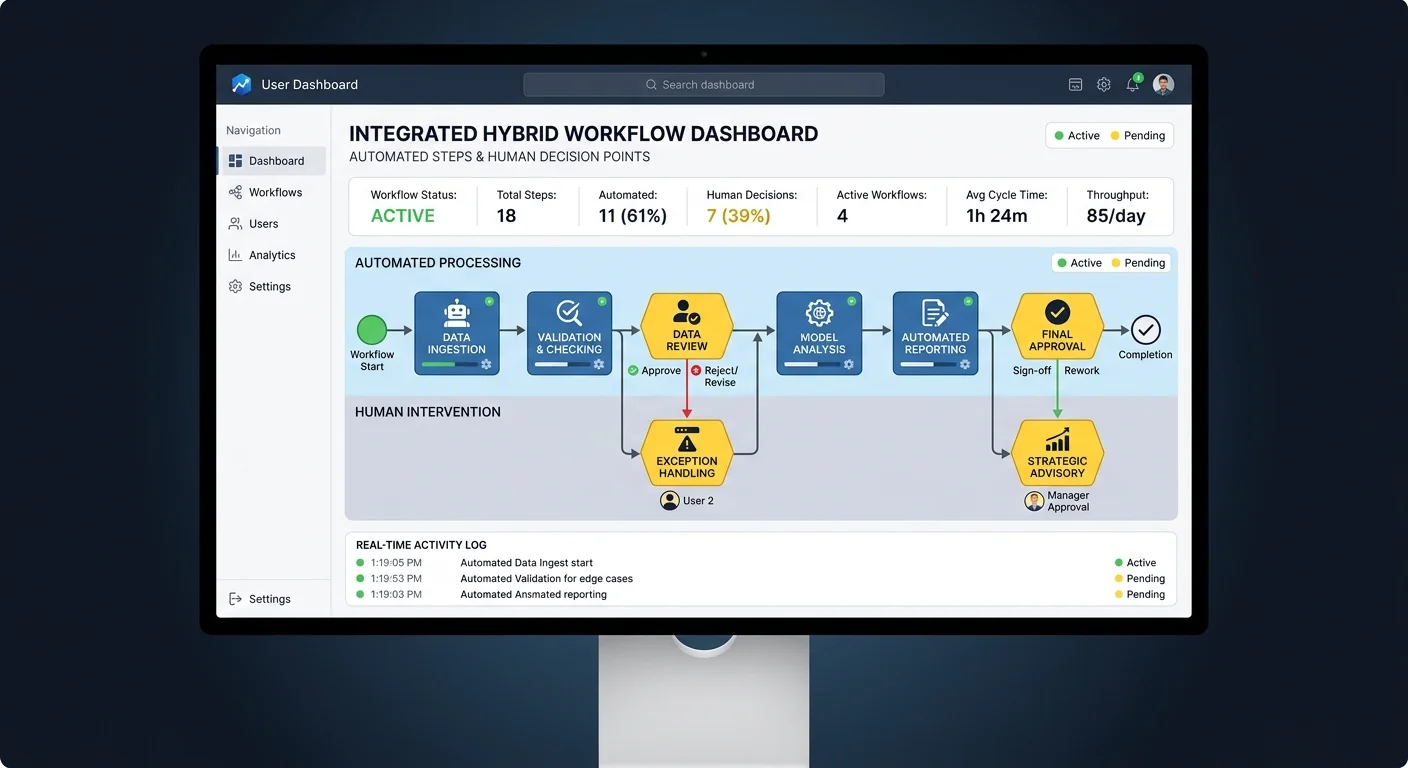
Modern AI-driven automation narrows the flexibility gap significantly. Platforms built on machine learning can adapt to new input patterns, route exceptions to human reviewers, and improve their handling over time. The hybrid model, where automation handles the predictable 80% and humans manage the exceptional 20%, has emerged as the dominant approach among operations teams in 2026. This isn't about replacing people; it's about redirecting human attention to where it creates the most value.
The best implementations treat automation as a living system rather than a static script. Teams that review automated workflow performance monthly, adjust rules based on new patterns, and gradually expand automation coverage achieve better results than those who set up automation once and forget about it. Workflow optimization is an ongoing discipline, not a one-time project. The organizations seeing the strongest returns in 2026 treat their automation infrastructure with the same rigor they apply to product development, with regular iteration cycles and measurable improvement targets.
| Criteria | Manual Workflows | Automated Workflows | Winner |
|---|---|---|---|
| Upfront Cost | Low (labor only) | Medium to High | Manual |
| Long-term Cost | High (scales with headcount) | Low (scales with compute) | Automated |
| Accuracy (repetitive tasks) | 96-99% | 99.9%+ | Automated |
| Handling Exceptions | Excellent | Limited without AI | Manual |
| Scalability | Linear, slow | Non-linear, fast | Automated |
| Adaptability to Change | Immediate | Requires reconfiguration | Manual |
| Speed per Task | Minutes | Seconds | Automated |
| Best For | Low-volume, high-judgment | High-volume, rules-based | Depends on context |
Frequently Asked Questions
?How do I calculate the real cost of manual data entry on my team?
?Is a hybrid workflow actually better than fully automating everything?
?How long does it realistically take to see ROI after automating a workflow?
?What's the biggest mistake companies make when deciding to automate?
Final Thoughts
The honest answer to "manual or automated" in 2026 is almost always "both, applied thoughtfully." Manual workflows remain the right choice for low-volume, judgment-intensive, or rapidly changing processes where human flexibility outweighs efficiency gains. Automation dominates for high-volume, rules-based, and accuracy-critical operations where consistency and speed matter most.
The winning strategy for operations professionals is building a clear framework for categorizing every workflow by volume, complexity, and exception rate, then applying the right approach to each one. Start with your highest-impact automation candidates, prove the value, and expand from there.
Disclaimer: Portions of this content may have been generated using AI tools to enhance clarity and brevity. While reviewed by a human, independent verification is encouraged.