Automating business processes with AI tools has become a top priority for operations teams facing mounting pressure to do more with fewer resources. Companies that automate business processes report significant reductions in manual labor, fewer errors, and faster turnaround times across departments.
Yet many professionals still struggle with where to start, which tools to pick, and how to structure their automation efforts for lasting results. The gap between knowing automation matters and actually implementing it remains wide.
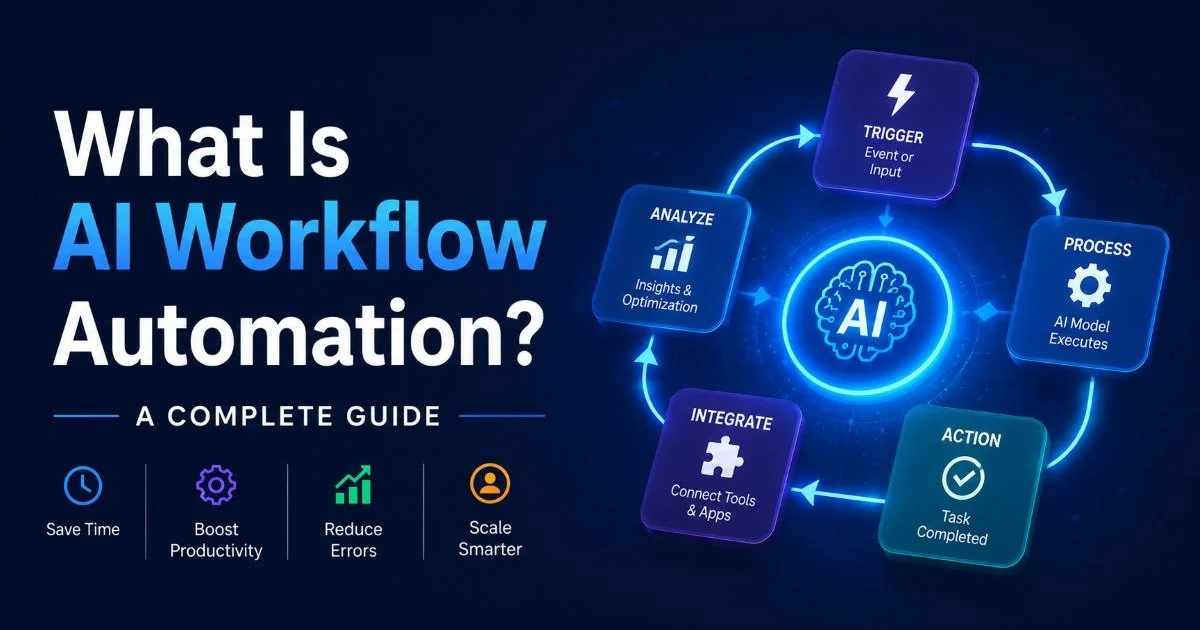
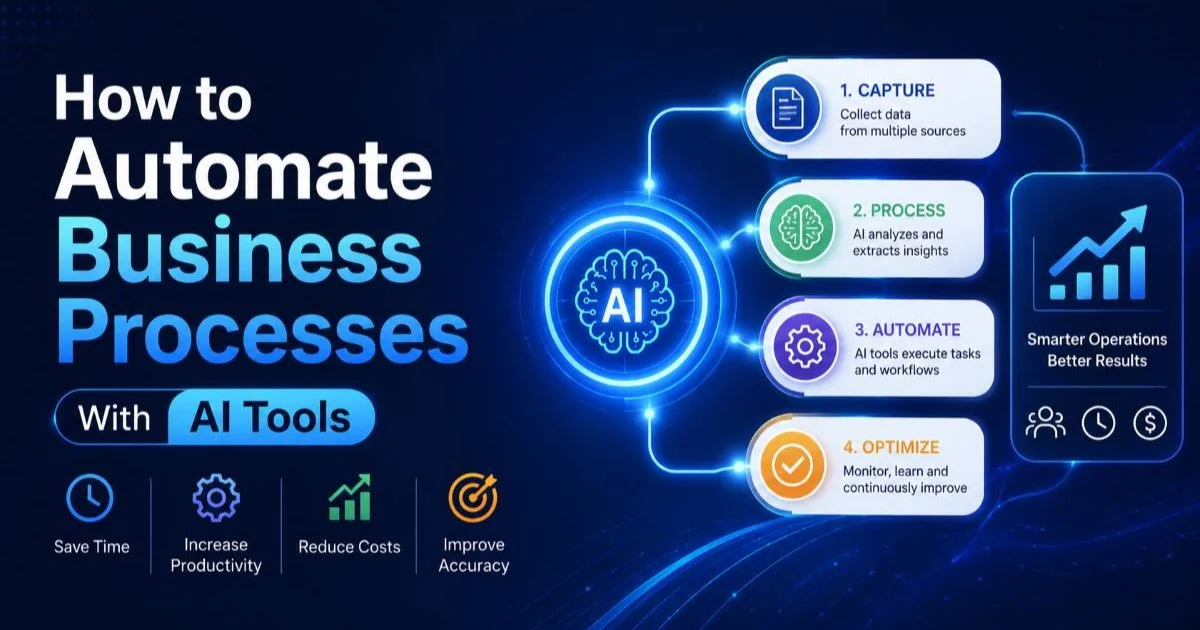
This guide breaks down the process into four concrete steps, giving you a practical roadmap from identifying the right processes to scaling your automation across the organization. Whether you're handling invoices, customer onboarding, or internal approvals, the principles here apply universally. If you're looking for a comprehensive overview of AI workflow automation, that resource pairs well with the hands-on steps below.
Key Takeaways
- Start by auditing repetitive, rule-based tasks that consume the most staff hours weekly.
- Map each process visually before selecting any automation tool or platform.
- Choose AI tools that integrate with your existing software stack natively.
- Test automations in small batches before deploying them across the full organization.
- Track ROI with clear metrics like time saved, error reduction, and throughput increases.
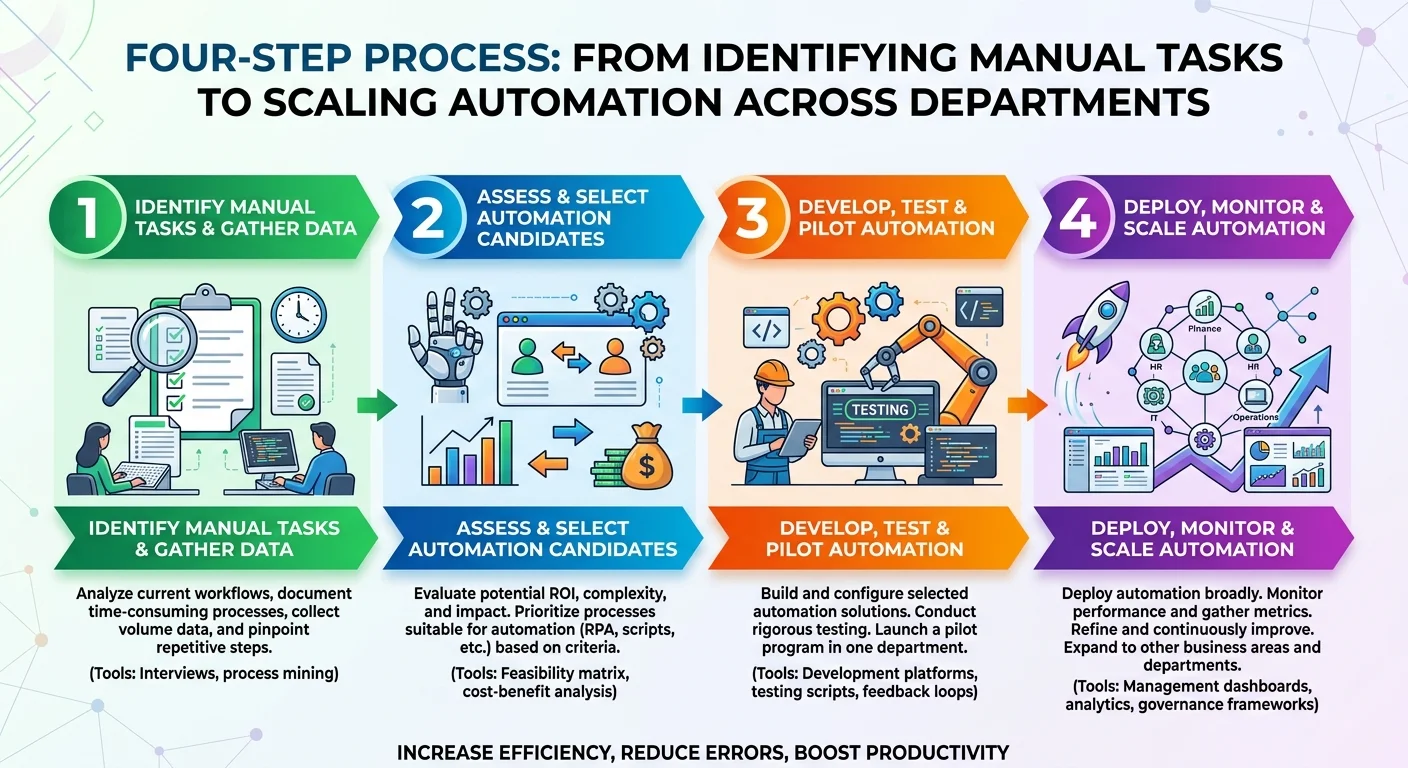
Step 1: Identify and Prioritize Processes Worth Automating
Audit Your Workflows
The first step in any business process automation initiative is understanding what your team actually does every day. Sit down with department leads and ask them to list every recurring task, from data entry and report generation to customer follow-ups and invoice processing. Pay special attention to tasks performed more than ten times per week that follow predictable patterns. These repetitive, rule-based activities are your strongest automation candidates.
Don't rely on assumptions about where time goes. Use time-tracking data or have team members log their activities for one to two weeks. You'll often discover that tasks assumed to take 30 minutes actually consume two hours when you account for context switching, waiting on approvals, and fixing errors. This data gives you an honest baseline for measuring future improvements.
Score and Rank Candidates
Once you have a complete list, score each process on three criteria: frequency (how often it runs), complexity (how many decision points it contains), and impact (what happens if it's delayed or done incorrectly). High-frequency, low-complexity, high-impact tasks should sit at the top of your priority list. Invoice approvals, employee onboarding checklists, and order confirmations are classic examples that fit this profile perfectly.
Avoid the temptation to automate everything at once. Picking two or three high-value processes for your first round of workflow optimization lets your team build confidence and learn the tooling without overwhelming anyone. A phased approach also makes it easier to get leadership buy-in, because you can show concrete results from round one before requesting budget for round two.
Create a simple spreadsheet scoring each process from 1 to 5 on frequency, complexity, and impact to make prioritization objective.
Step 2: Map and Document Each Workflow Before Building
Create Visual Process Maps
Before you touch any automation platform, map the target process from start to finish. Use a whiteboard, diagramming tool, or workflow builder to capture every step, decision point, and handoff involved. This exercise almost always reveals inefficiencies you didn't know existed, like redundant approval layers, unnecessary email chains, or steps that exist only because "we've always done it that way." Cleaning up the process before automating it prevents you from encoding bad habits into your system.
Each process map should include the trigger event (what starts the process), every action step, conditional branches where decisions are made, and the final outcome. For example, a customer onboarding workflow might start with a signed contract, branch based on the customer's plan tier, and end with a welcome email and account provisioning. Visualizing this flow makes it dramatically easier to translate into an automated sequence later.
"Automating a broken process just gives you faster broken results."
Define Inputs, Outputs, and Exceptions
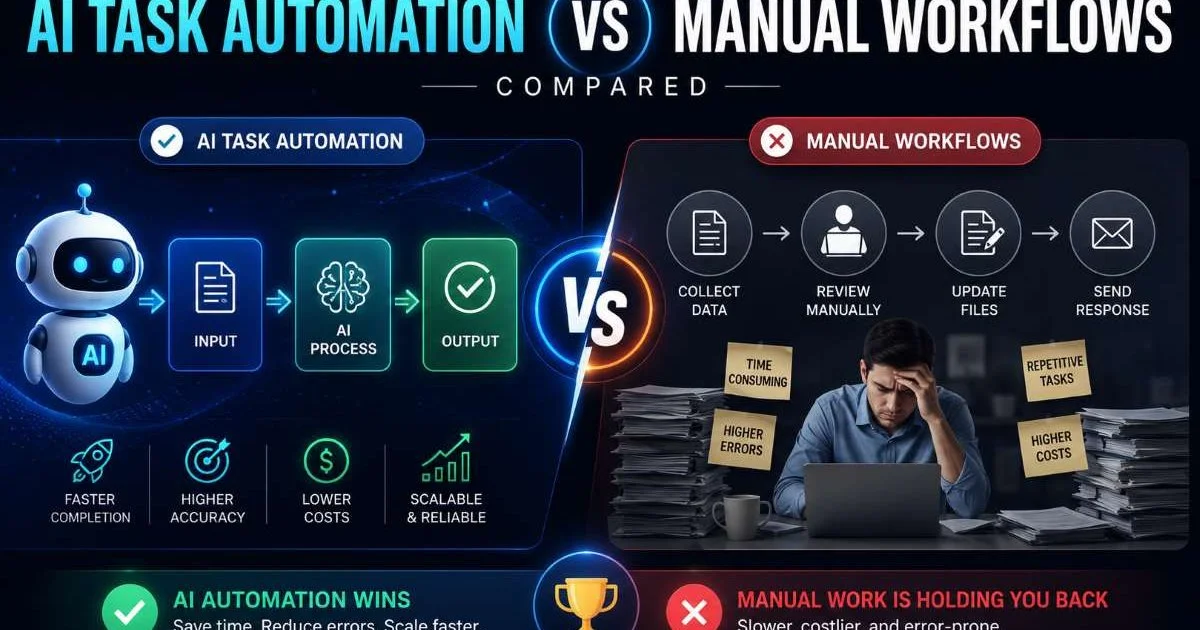
For each step in your map, document what data goes in, what comes out, and what happens when something unexpected occurs. Exception handling is where most automation projects stumble. If an invoice is missing a purchase order number, does the system reject it, flag it for review, or attempt to match it automatically? Defining these rules upfront saves weeks of debugging after deployment and keeps your ai task automation running smoothly.
This documentation also becomes your specification sheet when configuring tools. Hand it to your automation engineer or use it as a reference when building workflows yourself. Teams that skip this step typically spend 40% more time on revisions because they discover edge cases only after the automation is live. Spending an extra day on documentation at this stage pays for itself many times over.
Include at least three common exception scenarios per process. Real-world data is messier than you expect.
Step 3: Select and Configure AI Automation Tools
Match Tools to Process Types
Not every automation tool fits every process type. Simple, linear tasks like sending confirmation emails or updating spreadsheet rows work well with basic workflow builders. Processes involving unstructured data, like extracting information from PDFs, classifying support tickets, or interpreting natural language, require AI-powered automation tools with machine learning capabilities. Match the tool's strengths to the complexity of the process you documented in Step 2.
Consider how well each tool integrates with your existing stack. If your team runs on Google Workspace, Slack, and a CRM like HubSpot, pick a platform that connects to those systems natively. For businesses that rely on communication channels like SMS for customer notifications or internal alerts, tools like those reviewed in this best SMS guide can complement your automation stack. The goal is to automate tasks without creating new data silos or manual bridging steps between platforms.
| Process Type | Example | Tool Category | AI Needed? |
|---|---|---|---|
| Data transfer | CRM to spreadsheet sync | Integration platform | No |
| Document processing | Invoice data extraction | AI document parser | Yes |
| Customer communication | Onboarding email sequences | Workflow builder | Optional |
| Ticket classification | Support ticket routing | NLP classifier | Yes |
| Approval routing | Expense report approvals | Workflow engine | No |
| Content generation | Report summaries | LLM-based agent | Yes |
Configure and Connect Your Stack
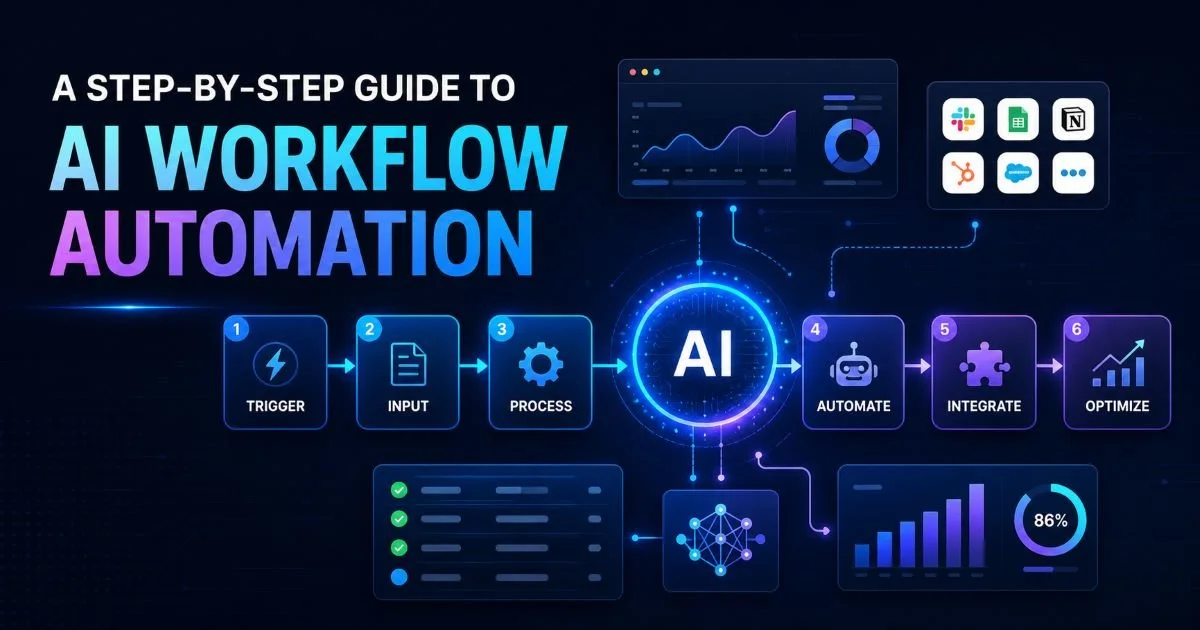
Once you've selected your platform, configure each automation step based on your process map. Start by setting up the trigger, which is typically an event like a form submission, a new row in a database, or a webhook from another application. Then build each subsequent action step, mapping data fields between systems precisely. Mismatched field mappings are the number one cause of automation failures in production environments, so double-check every connection.
For AI-specific configurations, you'll often need to train or fine-tune the model on your data. A ticket classifier won't perform well using generic categories if your support team uses custom labels. Feed the model representative samples from your actual workflow. Most modern platforms allow you to upload training data directly, and you should plan to retrain periodically as your business evolves and new patterns emerge in your data.
Never connect automation tools to production systems without testing on a staging environment or sandbox first.
Step 4: Test, Measure, and Scale Your Automations
Run Pilot Tests
Run each automation through a controlled pilot before full deployment. Pick a subset of real data, ideally 50 to 100 records, and process them through the automated workflow while a team member monitors the output. Compare the results against what a human would have produced. Look specifically for missed exceptions, incorrect data transformations, and timing issues where steps execute before upstream data is fully available. This pilot phase typically lasts one to two weeks.
During the pilot, collect feedback from the people who previously performed the task manually. They'll spot errors that automated monitoring might miss and can suggest improvements to the flow. Their buy-in matters too. When frontline staff feel included in the automation process rather than replaced by it, adoption rates climb significantly. Frame the conversation around eliminating tedious work, not eliminating jobs.
Keep a shared log of every issue found during the pilot, with severity ratings, to prioritize fixes before scaling.
Measure and Expand
After your pilot succeeds, define the KPIs you'll track going forward. The most useful metrics for business process automation include time saved per task, error rate reduction, throughput volume, and cost per transaction. Build a simple dashboard that updates automatically so leadership can see the value without asking for reports. Concrete numbers like "invoice processing dropped from 12 minutes to 45 seconds" speak louder than vague productivity claims.
With proven results from your initial automations, expand to the next batch of processes on your priority list. Each round becomes faster as your team builds expertise with the automation tools and accumulates reusable components like data connectors, templates, and trained models. Scaling is where the compounding value of automation really shows up. Organizations that automate business processes systematically across departments typically achieve three to five times the ROI of those running isolated projects.
Document everything as you scale. Maintain a central library of your automated workflows, including their triggers, logic, integrations, and exception handling rules. This library becomes essential when team members change roles, when you need to troubleshoot a failure at 2 AM, or when a new hire needs to understand how operations actually work. Treat your automation documentation the same way engineers treat code documentation: as a living asset, not a one-time deliverable.
Frequently Asked Questions
?How do I score and rank processes if I have no time-tracking data?
?Should I automate invoice approvals or customer onboarding first?
?How long does it realistically take to see ROI from a first automation pilot?
?What's the biggest mistake teams make when automating business processes?
Final Thoughts
The path to automating business processes with AI tools is straightforward when you follow a structured approach: identify high-value processes, map them thoroughly, choose the right tools, and test before scaling.
The hardest part isn't the technology; it's the discipline to document, pilot, and measure before moving fast. Operations teams that commit to this method consistently outperform those chasing the latest platform without a plan. Start with one process this week, prove the value, and let the results build your case for broader adoption.
Disclaimer: Portions of this content may have been generated using AI tools to enhance clarity and brevity. While reviewed by a human, independent verification is encouraged.