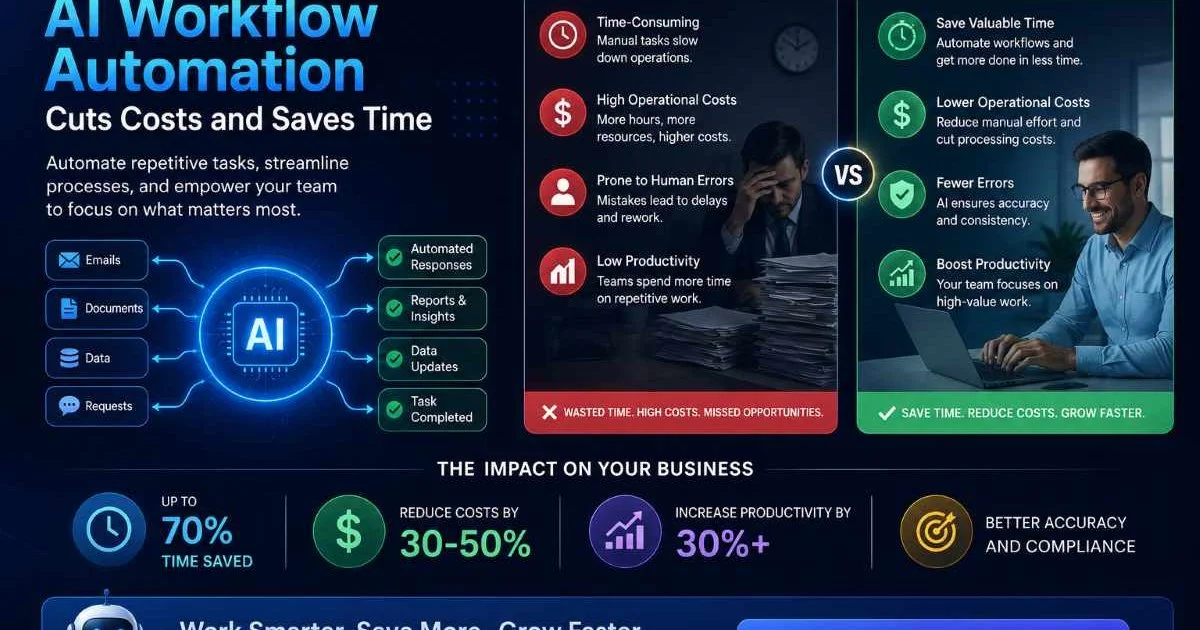
AI workflow automation has become one of the most effective strategies for operations teams looking to reduce costs and reclaim productive hours. By combining artificial intelligence with structured process execution, businesses can eliminate repetitive manual work, reduce error rates, and redirect skilled employees toward higher-value activities.
The financial case is compelling: organizations that automate business processes report significant reductions in operational expenses within the first year. But knowing that automation saves money and knowing how to implement it are two different things.
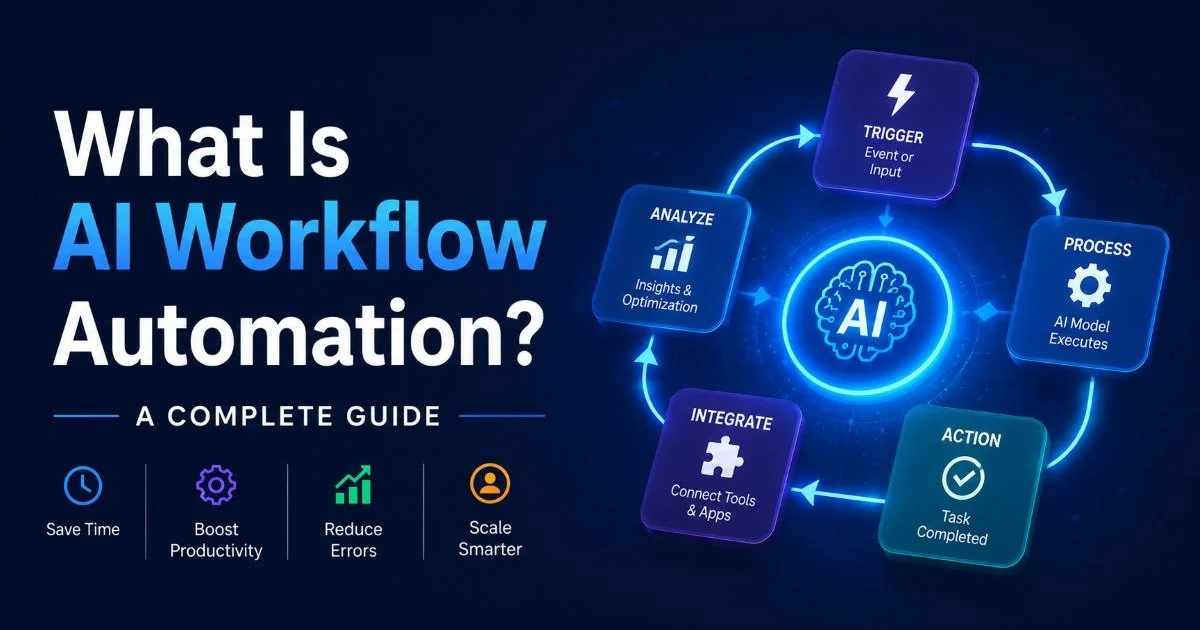
This guide walks you through four practical steps to deploy AI task automation in your organization, from identifying the right processes to measuring real ROI. Whether you're evaluating workflow automation tools for the first time or optimizing an existing setup, these steps will give you a concrete roadmap. If you want a foundational understanding of the topic, our complete guide to AI workflow automation covers the fundamentals in depth.
Key Takeaways
- Start by auditing repetitive, rule-based tasks that consume the most employee hours weekly.
- Map each workflow visually before automating to avoid encoding broken processes into software.
- Choose process automation software that integrates with your existing tech stack natively.
- Measure time saved and error reduction within 30 days of deploying each automated workflow.
- Iterate continuously because the best automation setups improve through real usage data and feedback.

Step 1: Identify High-Cost Repetitive Processes
Where to Look First
The first step is not picking a tool. It is picking the right problem. Start by cataloging every repetitive, rule-based task your team performs weekly. Think invoice processing, data entry between systems, customer ticket routing, report generation, and employee onboarding checklists. These are the processes where humans spend hours doing work that follows predictable patterns, and they represent the biggest opportunity for AI task automation to deliver measurable savings.
Talk to your frontline employees directly. They know where the bottlenecks are better than any executive summary will tell you. Ask them which tasks they find most tedious, which handoffs between teams cause delays, and where errors tend to cluster. A manufacturing operations team might discover that 15 hours per week go toward manually updating inventory spreadsheets. A finance team might find that reconciliation tasks eat up entire afternoons. These conversations surface the real targets.
Scoring Candidates for Automation
Not every process deserves automation. Score each candidate on three dimensions: volume (how often it runs), complexity (how many decision branches exist), and cost (total employee hours multiplied by hourly rate). High-volume, low-complexity tasks with significant labor costs should move to the top of your list. A customer support team routing 500 tickets daily through manual triage is a stronger candidate than a monthly report that takes one person 30 minutes.
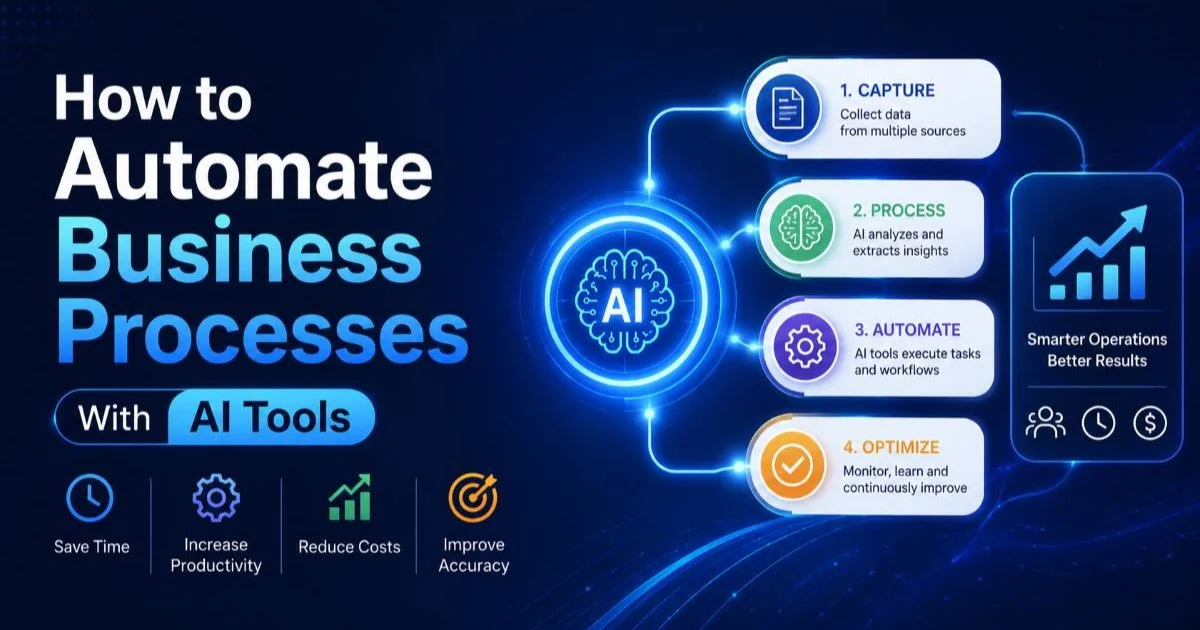
Create a simple priority matrix. Rank your top ten candidate processes by estimated annual cost and automation feasibility. For a deeper walkthrough of how to identify and automate business processes with AI tools, that resource offers practical frameworks. The goal here is ruthless prioritization. You want quick wins that demonstrate ROI before expanding to more complex workflows.
Start with one to three processes maximum. Trying to automate everything at once leads to stalled projects and team fatigue.
Step 2: Map and Optimize Workflows Before Automating
Avoid Automating Broken Processes
This is the step most teams skip, and it costs them dearly. If your current process has unnecessary approvals, redundant handoffs, or unclear ownership, automating it will just make a bad process run faster. Before you touch any software, map the existing workflow end to end. Use a visual tool (even a whiteboard works) to document every step, every decision point, every handoff between people or systems. You need to see the full picture.
Once mapped, challenge every step. Ask: does this approval add value, or is it just organizational habit? Can these three sequential steps happen in parallel? Is this data entry step even necessary if the systems shared a common database? Typically, teams find they can eliminate 20 to 30 percent of workflow steps before any automation enters the picture. That optimization alone saves time and reduces the complexity of what you eventually automate.
Also Check: Building Your First Automated Workflow: A Step by Step
Automating a process you haven't mapped first is the number one reason automation projects fail or deliver disappointing results.
Design for AI Decision Points
With the workflow cleaned up, identify where AI adds unique value beyond simple if-then rules. Traditional automation handles structured, predictable steps well. AI shines where judgment is involved: classifying documents by intent, extracting data from unstructured emails, predicting which support tickets need escalation, or generating personalized responses. Mark these decision points in your workflow map explicitly.
For example, an accounts payable workflow might use traditional automation to pull invoices from email attachments and AI to extract line items, match them to purchase orders, and flag discrepancies. If you're working with smart home or IoT integrations, tools like the best LLMs for home assistant show how AI handles decision-making in connected environments. The principle transfers directly to business workflows: let AI handle the judgment calls while deterministic automation handles the mechanical steps.
Step 3: Select and Deploy AI Workflow Automation Tools
Integration Matters More Than Features
The market for workflow automation tools is crowded, and feature lists can be deceiving. What matters most for operations teams is not the flashiest AI capability but how well a platform connects to your existing systems. If your team runs on Salesforce, Slack, Google Workspace, and a custom ERP, your automation platform needs native or well-supported integrations with all of them. Every manual data bridge you have to build is a maintenance burden that erodes your cost savings.
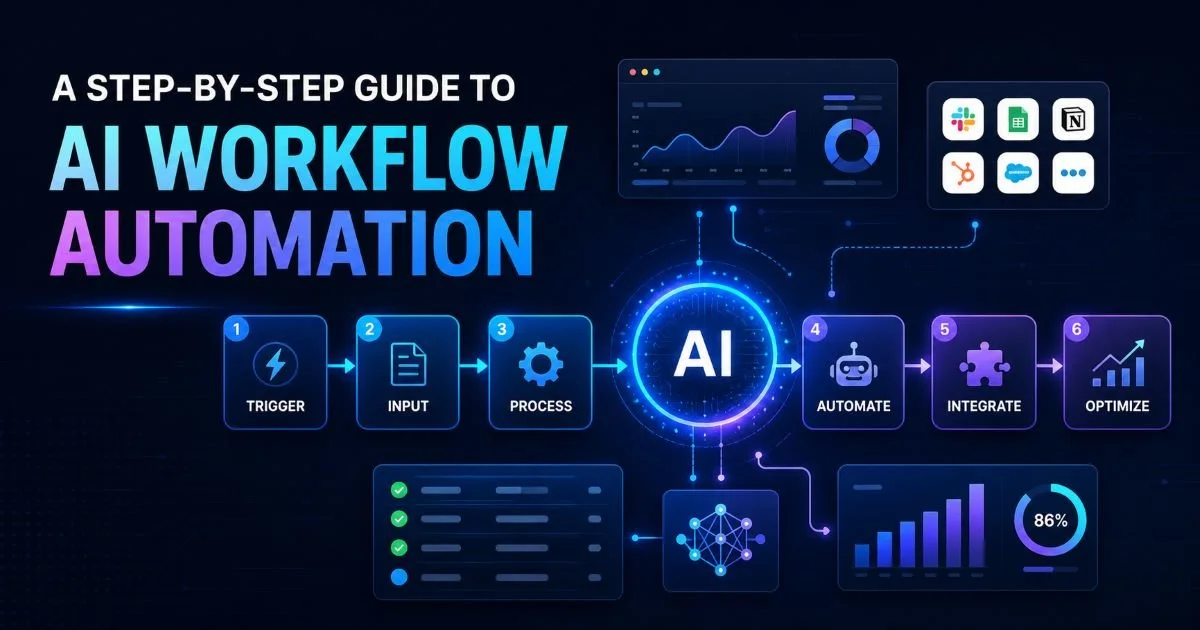
Evaluate platforms on three criteria: integration depth, AI capability maturity, and total cost of ownership. Some tools offer hundreds of pre-built connectors but limited AI functionality. Others have powerful machine learning features but require significant developer effort to connect to common business applications. The step-by-step guide to AI workflow automation breaks down the selection and deployment process in detail.
Rolling Out Without Disruption
Deploy in stages, not all at once. Start with a pilot on your highest-priority process. Run the automated version in parallel with the manual process for two to four weeks. Compare outputs, catch edge cases, and build team confidence. This parallel run is not wasted effort; it is your insurance policy against automating errors into production. Document every exception the AI encounters during this period because those exceptions become your training data for improvement.
Assign a workflow owner for each automated process. This person monitors performance, handles exceptions the AI cannot resolve, and collects feedback from affected team members. Without clear ownership, automated workflows tend to drift. Small errors compound, and nobody notices until a customer complaint surfaces. The ownership model keeps your automation accountable and gives you a single point of contact for continuous refinement.
Create a shared exceptions log during your pilot phase. Patterns in exceptions reveal the specific areas where your AI model needs additional training data.
Step 4: Measure ROI and Iterate on Your Automation
Tracking the Right Metrics
You cannot improve what you do not measure. Establish baseline metrics before you flip the switch on any automated workflow. Track time per task completion, error rate, throughput volume, and direct labor cost. After 30 days of automated operation, compare these numbers against your baselines. For a more comprehensive framework on measurement and optimization, our overview of everything you need to know about AI workflow automation covers ongoing performance management strategies.
| Metric | Before Automation | After Automation (30 Days) | Improvement |
|---|---|---|---|
| Invoice Processing Time | 12 minutes per invoice | 2 minutes per invoice | 83% reduction |
| Data Entry Errors | 4.2% error rate | 0.6% error rate | 86% reduction |
| Ticket Routing Accuracy | 71% correct first route | 94% correct first route | 32% improvement |
| Weekly Labor Hours (process) | 40 hours | 8 hours | 80% reduction |
| Monthly Process Cost | $8,400 | $2,100 | 75% savings |
"The real ROI of automation is not just hours saved; it is the compounding effect of fewer errors, faster cycles, and freed-up talent working on strategic initiatives."
Building a Feedback Loop
Automation is not a set-and-forget deployment. Build a structured feedback loop where workflow owners review performance metrics weekly for the first 90 days, then monthly afterward. Look specifically at edge cases the AI struggled with, tasks that still required manual intervention, and any new process variations that emerged since launch. Each review cycle should produce at least one actionable improvement to the workflow configuration or AI model.
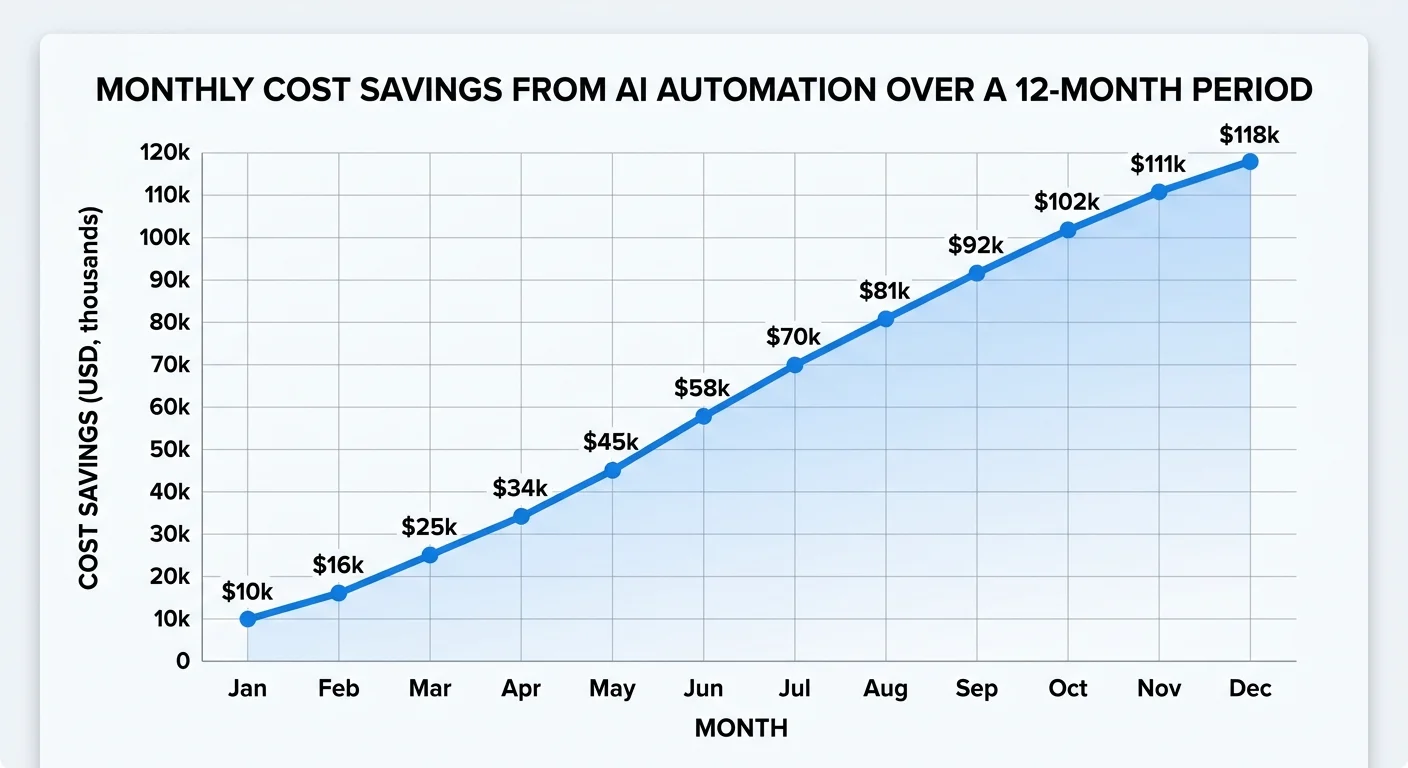
Expand methodically once your first automated processes are stable. Use what you learned from the pilot to shorten deployment timelines for subsequent workflows. Teams that follow this iterative approach typically automate three to five core processes in their first quarter and ten to fifteen within the first year. The cost savings compound as each new workflow removes another layer of manual effort from your operations, freeing budget and headcount for growth-oriented work.
Your first automated workflow will take the longest to deploy. Expect the second and third to go 40 to 50 percent faster as your team builds institutional knowledge.
Frequently Asked Questions
?How do I score which business processes to automate first?
?Should I automate a broken process or fix it first?
?How soon should I expect to see cost savings after deploying automation?
?Does native integration with existing tools matter more than feature count?
Final Thoughts
Cutting costs and saving time through AI workflow automation is not about buying the most expensive platform or automating every process overnight. It is about disciplined execution: picking the right targets, cleaning up workflows before automating them, choosing tools that fit your stack, and measuring results honestly.
The organizations that succeed treat automation as an ongoing practice, not a one-time project. Start with one process this week, measure the impact in 30 days, and let the results guide your next move. The compounding gains from each optimized workflow will speak for themselves.
Disclaimer: Portions of this content may have been generated using AI tools to enhance clarity and brevity. While reviewed by a human, independent verification is encouraged.